Community & Account
Providers & Organizations
View mode
Showing desktop instructions and screenshots for this guide.
Provider and organization pages show public organization context, service relationships, and partner-facing entry points. They are useful when you want to understand who runs a service or how an organization can work with LaneHelp.
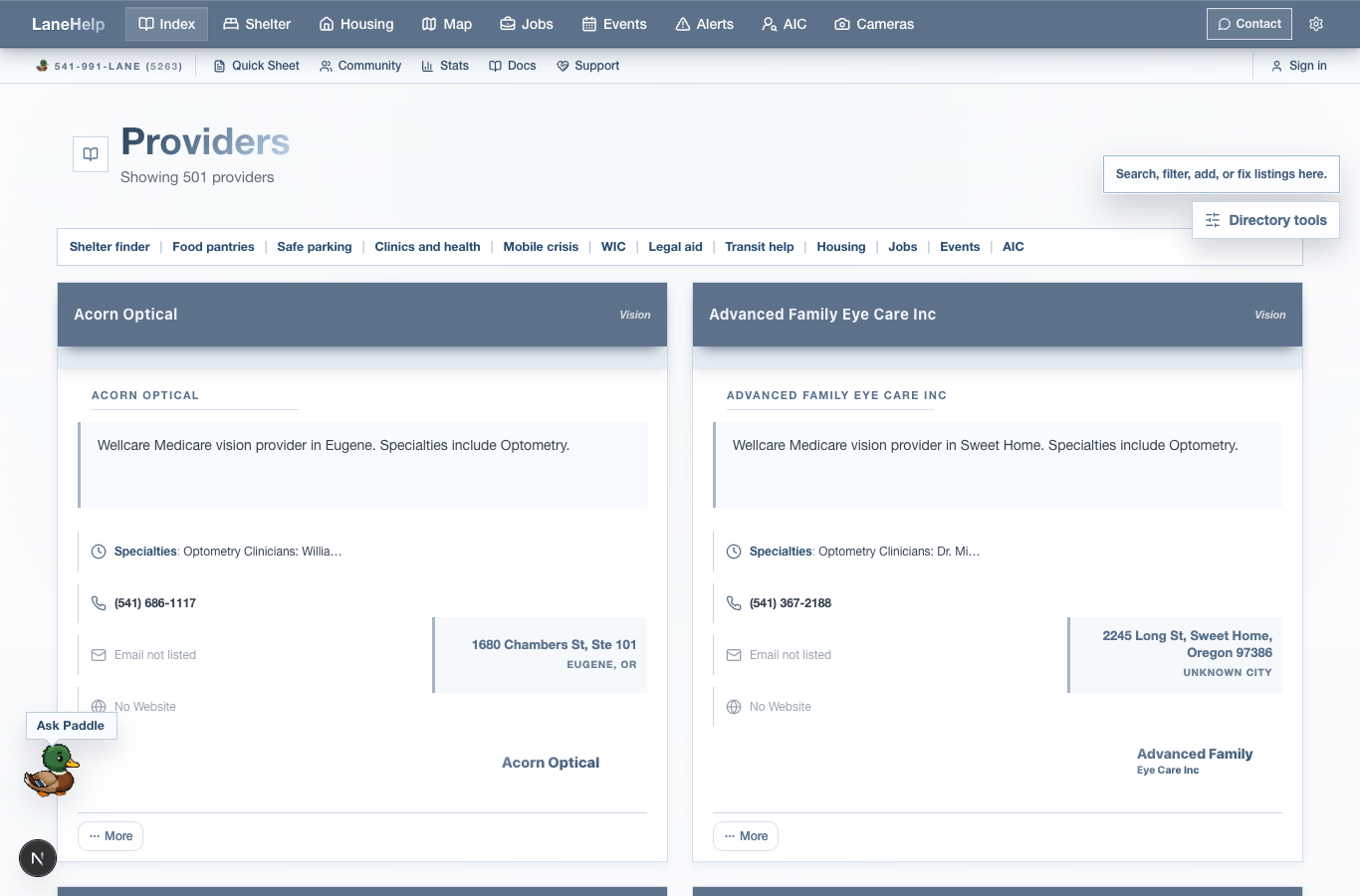
Public organization surfaces
Providers directory
Browse public provider entries and open provider detail pages when available.
For Organizations
Read how organizations can participate, correct public information, and understand LaneHelp surfaces.
Community organizations
View organization lists and organization detail pages from the Community area.
Public pages
Some organization pages also appear through legacy public page routes or direct organization slugs.
How to use these pages
- Use provider pages to understand organization context, not to bypass the resource detail page.
- Use resource pages for service hours, eligibility, phone numbers, reports, and Quick Sheet actions.
- Use For Organizations when a provider needs to claim, correct, or understand public information.
- Use Contact when organization access, correction, or partnership questions need a reply.
- Public organization slug pages use the `/[orgSlug]` route family when an organization has a public page.
- Provider detail pages use `/providers/[id]`; public page directories and print views use `/pages`, `/pages/request`, and `/pages/[slug]/print`.
- Domain-specific public page routes use `/domain-sites/eugene`, `/domain-sites/eugene/[slug]`, `/domain-sites/org`, and `/domain-sites/org/[slug]`.
Providers
Open the public provider directory.
For Organizations
Open partner-facing public guidance.
Organizations alias
Open the organizations redirect route when linked.
Apply route
Open the organization application redirect when linked.
Community organizations
Open the public organization list.
Pages
Open the public pages directory when linked.
Contact
Ask about organization access, corrections, or partnership.