Start Here
Home, Top Nav & Mobile Menu
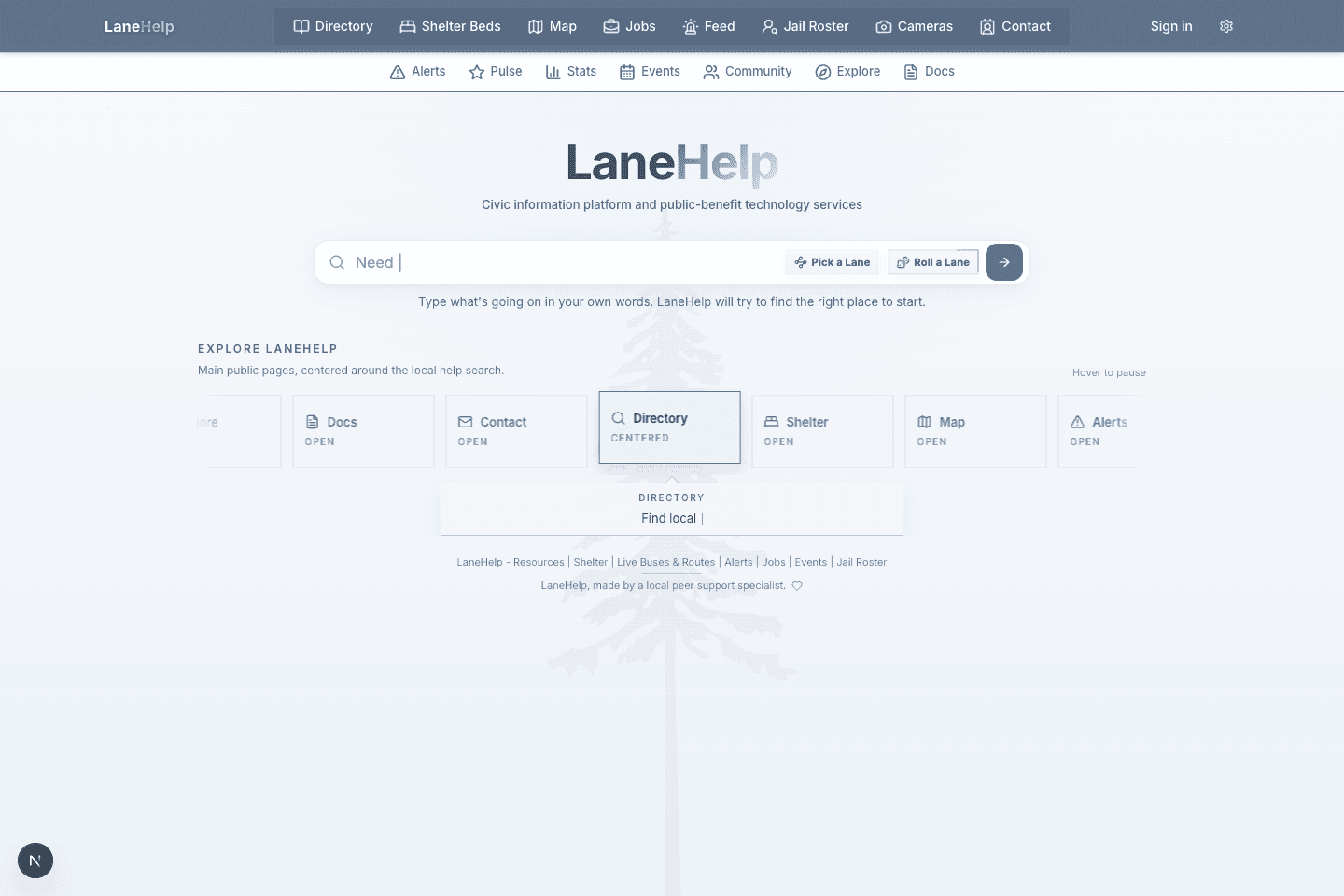
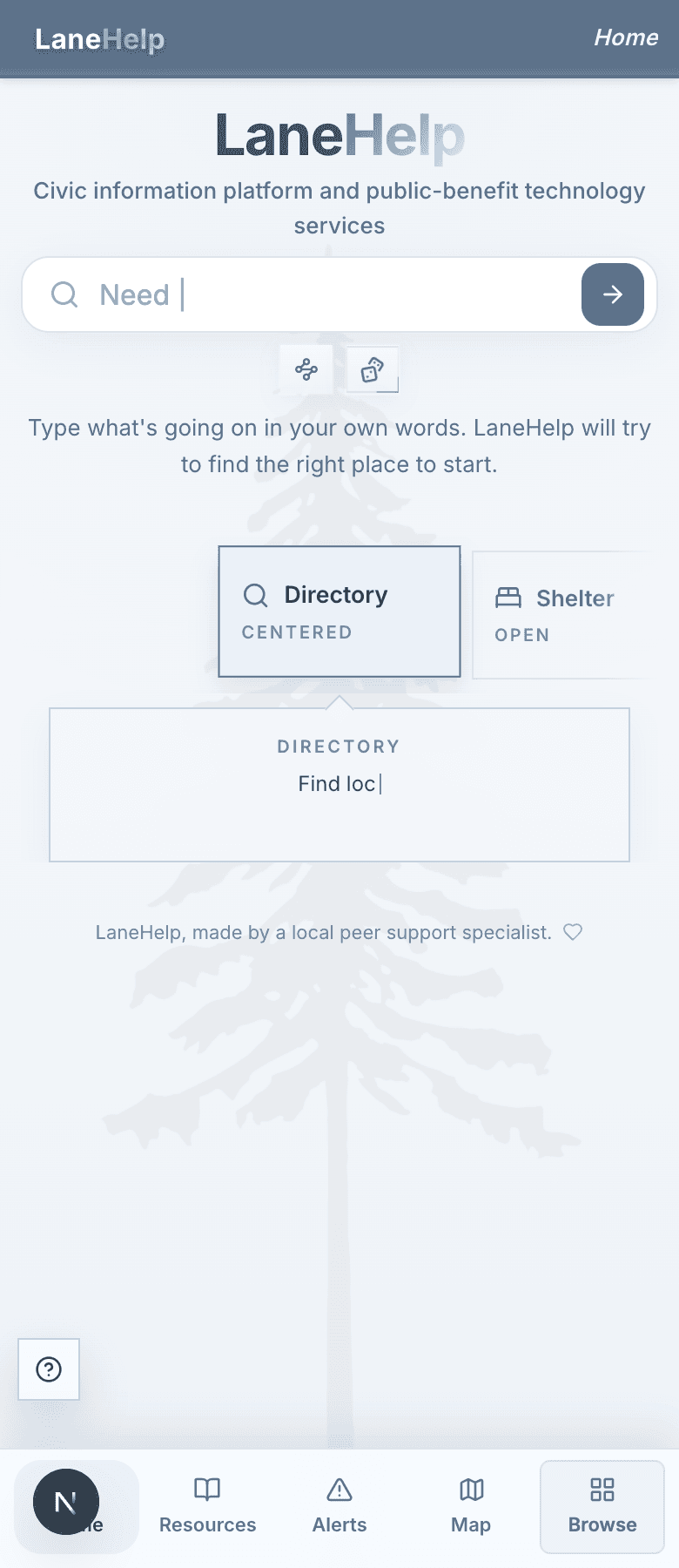
The homepage is the front desk. Start with search, tap a major shortcut, or open a navigation group. The goal is to get you to the right public tool without knowing the site structure first.
What matters first
- Search is for plain needs like food, shelter, detox, tenant help, or a provider name.
- Top navigation groups tools by use: finding resources, checking status, community information, and support.
- Subnav and browse links expose lower-frequency pages without making the main header noisy.
- On mobile, the menu and bottom actions keep Home, Paddle, Map, Alerts, and more close by.
Tip
If the page feels busy, use Paddle or the homepage search first. They are built as shortcuts over the larger system.