Live Local Info
Current & Meetings
View mode
Showing desktop instructions and screenshots for this guide.
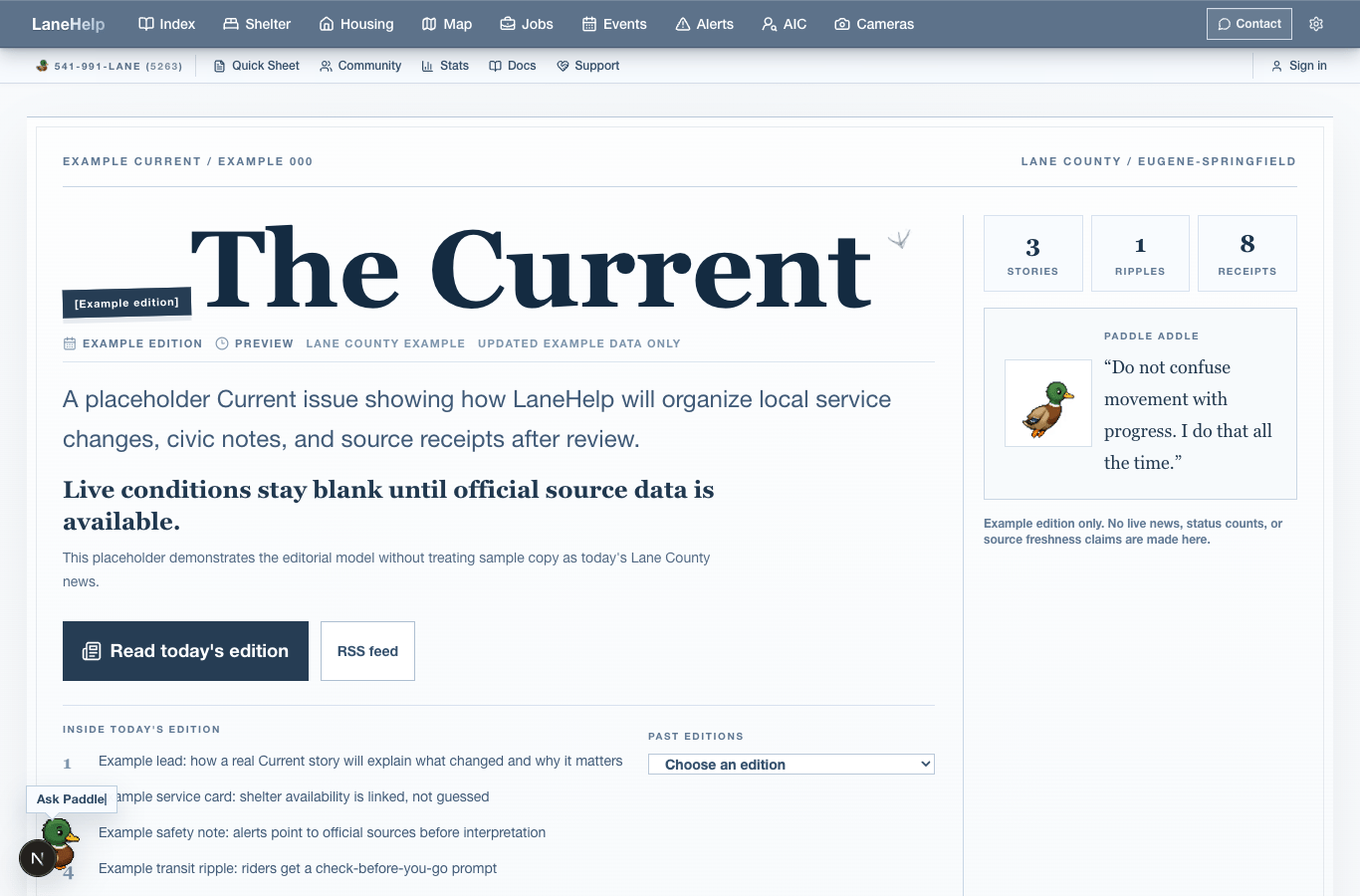
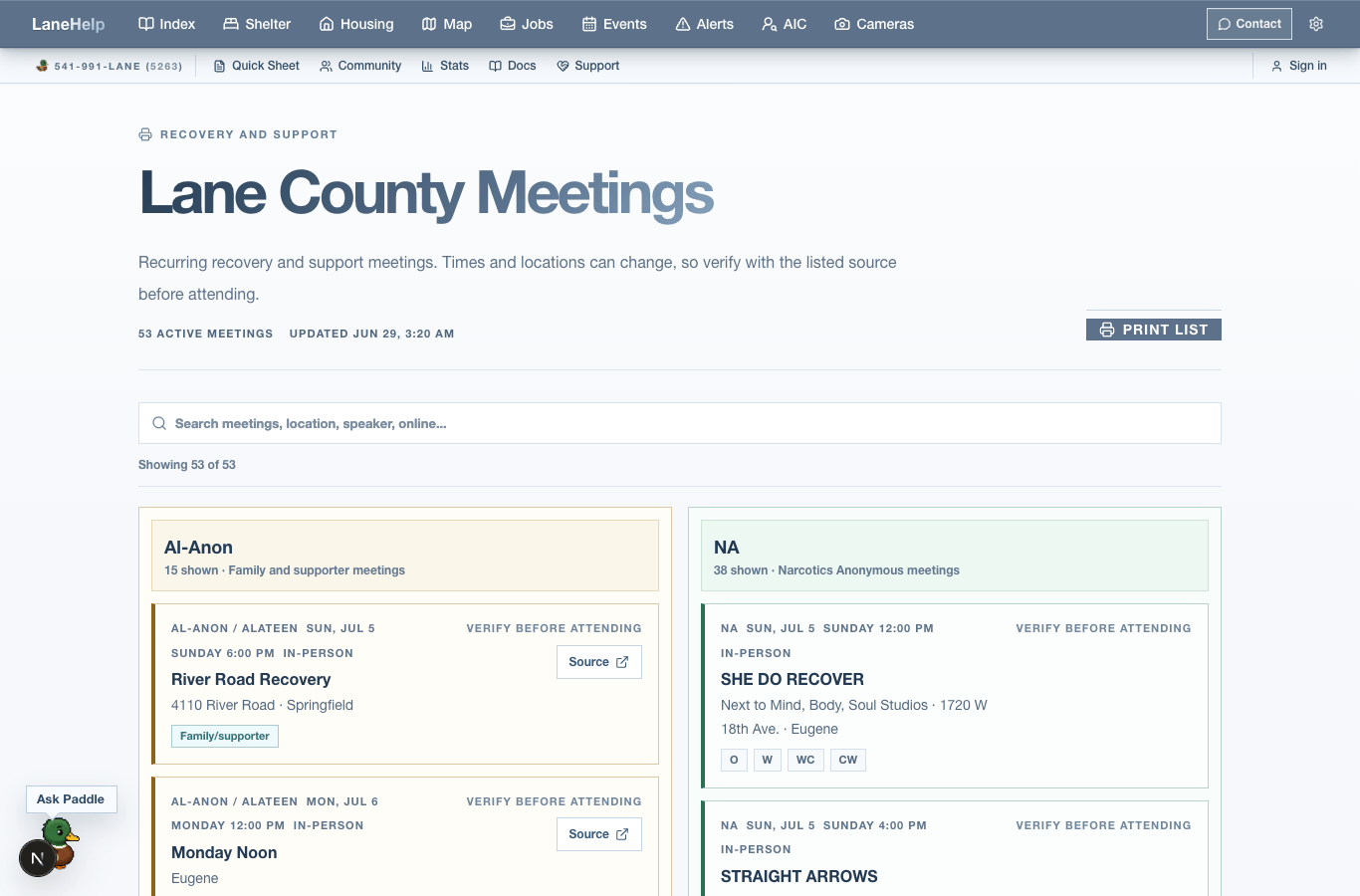
Current and Meetings are public status surfaces for local updates and time-sensitive public gatherings. Use them for context, then open the source or organizer page before making plans.
What each page is for
Current
A public local-update surface for recent signals, source-backed story context, and useful next links.
Meetings
Recovery and community meeting listings when public meeting data is available.
Print meetings
A print-first view for meeting lists when someone needs a paper handoff.
Recovery support
A topic page for recovery-related resources, meetings, and support paths.
How to use these pages
- Check dates and source labels before sharing time-sensitive information.
- Use Events for general community events and Meetings for meeting-list style help.
- Use Print only after checking that the page has the right location, day, and time context.
- Open the original source when a meeting, location, or public update could have changed.
- Current edition pages use `/current/[edition]`, and individual Current items use `/current/[edition]/[slug]`.